A mission overview video is an organization's virtual business card. In under a few minutes, it shows what a nonprofit does, who it serves, and why the work matters.
It's different from an impact film, which usually follows one beneficiary's personal story from start to finish. A mission overview video keeps the focus on the organization itself: its purpose, its approach, and the work it does day to day.
This guide covers what people call this video, the story structures worth using, how long it should run depending on where it lives, and what the production actually looks like on the ground, from shoot days to footage.
What Is a Nonprofit Mission Overview Video?
This video goes by several names, and it helps to know which ones actually mean the same thing.
“Mission Overview” / “About Us” / and “Organizational Overview” videos are typically referring to the same thing. All three describe an evergreen video that introduces who the organization is, who it serves, and why the work matters. "Mission overview video" tends to be the clearest of the three, since "about us" and "organizational overview" can sometimes get pulled toward other kinds of content. This is also the name that we prefer to use because it provides an accurate representation of the video’s material. We’re watching an “overview” of your nonprofit’s mission and its programs.
A few related terms describe something adjacent, worth knowing since you'll run into them:
Mission video on its own is more ambiguous. Depending on the source, it might mean the same thing as a mission overview video, or it might mean a narrower video built around a single mission statement moment.
Nonprofit brand story video is a term production studios favor, emphasizing narrative and origin over a straightforward organizational overview.
Flagship video describes an organization's primary, highest-production video asset. It's a statement about production tier rather than a separate type of content, and a mission overview video is usually what fills that role.
Whatever the label, the job is the same: a video built to live indefinitely on a homepage, open a gala presentation, or serve as a donor's first real introduction to the cause.
Three Story Structures That Work
There's no single correct shape for this video. There are three well-established ones, and the right choice depends on where the video will live and who needs to be persuaded.
Option 1: The Organizational Arc
This is the workhorse structure and the safest starting point for most organizations.
The opening hook . Open with a bold question posed directly to the viewer, a striking visual, or the problem itself. Use concrete language. A specific, concrete hook holds attention far better than a founding date, a logo animation, or a generic mission statement. Lead with the hook, then bring in context.
Origin story or mission statement. From here the video branches one of two ways. Some organizations move into their origin story, the reason the nonprofit came to exist in the first place. Others skip that and state the mission outright. Both approaches work well. The right choice usually comes down to whether the origin story adds something the mission statement alone can't.
Programs at a high level, with b-roll. The middle section walks through the organization's programs, paired with footage that shows the work in action. This is where the video demonstrates the mission rather than just stating it, without needing to go deep on any single program. Be specific about methods and activities. Skip vague phrases like "we empower communities."
A board-level vision statement. Near the end, pull back to a bigger-picture line about where the organization is headed or what change it's ultimately working toward. This is a natural place for a founder, executive director, or key staff member to speak.
End card. Logo, tagline if there is one, and a single call to action.
Option 2: Problem → Solution → Impact → Call to Action
The most commonly cited structural skeleton in nonprofit video guidance.The same four beats can structure a 30-second social cut or a four-minute film. A mission overview video's core elements are the problem you exist to address, your solution, the impact, and the ask. Choose this one when the problem your organization addresses isn't widely understood, or when you need to establish credibility fast with an audience that doesn't already know the issue.
A note on the ask
If this is your evergreen homepage video, keep the call to action soft: learn more, meet the team, get involved. Awareness-stage videos work best with a soft ask, since their job is to generate enough interest that someone wants to know more. Save the direct ask for campaign and appeal videos, which are a different asset entirely.
Option 3: StoryBrand's SB7, with the donor as the hero
Donald Miller's SB7 has seven elements: a character, who has a problem, meets a guide, who gives them a plan, calls them to action, helping them avoid failure and end in success.
The twist for nonprofits is who plays the hero. StoryBrand practitioners argue that the donor plays the hero, ahead of your staff, your volunteers, or even the people you serve. Your organization plays the guide. Donors want to see themselves as part of the solution, and framing them that way tends to drive more engagement than positioning your organization as the one doing the saving.
| SB7 Element | Nonprofit Model (Donor-Facing) |
|---|---|
| 1. A Character | A donor who wants to change a specific problem in the world. |
| 2. Has a Problem | External: A real-world crisis (e.g., hunger, lack of education). Internal: The donor's feeling of helplessness or desire to matter. Philosophical: "No child should go hungry." |
| 3. Meets a Guide | Your Nonprofit. You provide the expertise, vehicle, and boots on the ground. You show empathy for the cause and authority via proof of impact. |
| 4. Who Gives Them a Plan | Clear, transparent steps on how their money is used (e.g., 1. Donate, 2. We deploy resources, 3. Lives are changed). |
| 5. And Calls Them to Action | A clear, direct ask (e.g., "Donate Now," "Sponsor a Child"). |
| 6. That Helps Them Avoid Failure | The tragic reality of what happens if the donor does not step in (e.g., more families go without shelter). |
| 7. And Ends in a Success | The inspiring vision of a transformed community or a problem solved, thanks to the donor's heroism. |
How Long Should a Mission Overview Video Be?
This depends on where the video will be used, which is why the better question is how many versions you can create from one production.
Recommended length by use case
| Use | Recommended Length | Purpose |
|---|---|---|
| Website / About Us / “virtual business card” | 2:00–2:30 | Give first-time visitors a clear overview of the problem you solve, exactly how your programs work, and how they can quickly get involved. |
| General presentation / partner meeting | 2:30–3:30 | Deliver a detailed pitch for potential partners or corporate sponsors, focusing on your operational model, scale, and long-term sustainability. |
| Grant application | 2:00–4:00 | Prove your organization’s efficacy to foundation reviewers by backing up your mission with data, concrete evidence, and measurable outcomes. |
| Gala / fundraising event | 3:00–5:00 | Form the informational foundation of the evening; quickly catches up guests who are new to your cause, leaving the heavy emotional lifting to your live speakers or a dedicated impact film. |
| Social cutdown | 0:15–0:60 | Hook mobile viewers instantly with a single impactful statistic, a quick story highlight, or a time-sensitive call to action optimized for sharing. |
A couple caveats worth knowing:
For grant applications, match the length to what the content actually needs. If the application specifies a maximum length, follow it exactly.
For the homepage, shorter is safer. Visitors who click "About Us" have chosen to learn more, which buys you some room to work with. Spend that extra time deepening the story and building the connection.
The Smartest Production Strategy: Shoot Once, Edit Many Ways
Design the original shoot around creating multiple cuts. One well-planned production can generate a full video library from a single day of work.
1. The Hero Film (2:00–2:30)
The primary virtual business card. Reframe → who we are → who we serve → what we do → program ecosystem → impact → vision. Lives on the website and carries introductions to new audiences.
2. The Extended Version (3:30–5:00)
Same footage, more room for a longer participant story, additional organizational history, more programs, deeper context around the problem, extra testimonials, more impact evidence, and a stronger emotional conclusion. This is your gala, donor presentation, board meeting, community event, and longer-grant-application version.
3. The Short Version (0:60–1:30)
Stripped to who we are → who we serve → what we do → proof → CTA. Useful for presentations, email, partner introductions, LinkedIn, landing pages, and digital campaigns.
4. Social Cutdowns (0:15–0:60 each)
Identify individual ideas that stand on their own, rather than simply chopping the beginning and end off the main video:
The reframe: "When people think about X, they think about Y. But it's much bigger than that…"
The statistic: "Every year, X people in our community…"
The human story: "Before I found [organization]…"
What we do: "We believe solving X requires…"
The impact: "Last year, we helped…"
Each gets its own hook and its own CTA.
The Key production principle
The real planning question is how many useful versions you can create from a single production. For a nonprofit running many programs, this is especially valuable. The 2-minute hero film communicates the big picture, and the longer cut gives individual programs breathing room without turning the video into a catalog.
Interviews and B-Roll vs. Scripted Narration
Authentic interviews combined with strong b-roll generally outperform heavily scripted talking-head videos.
Documentary producers frame the tradeoff simply: interviews carry emotion, voiceover carries clarity, an on-camera presenter carries presence, and observational footage carries raw honesty. Most films use a mix.
For a mission overview video, the hybrid is the dominant pattern in practice:
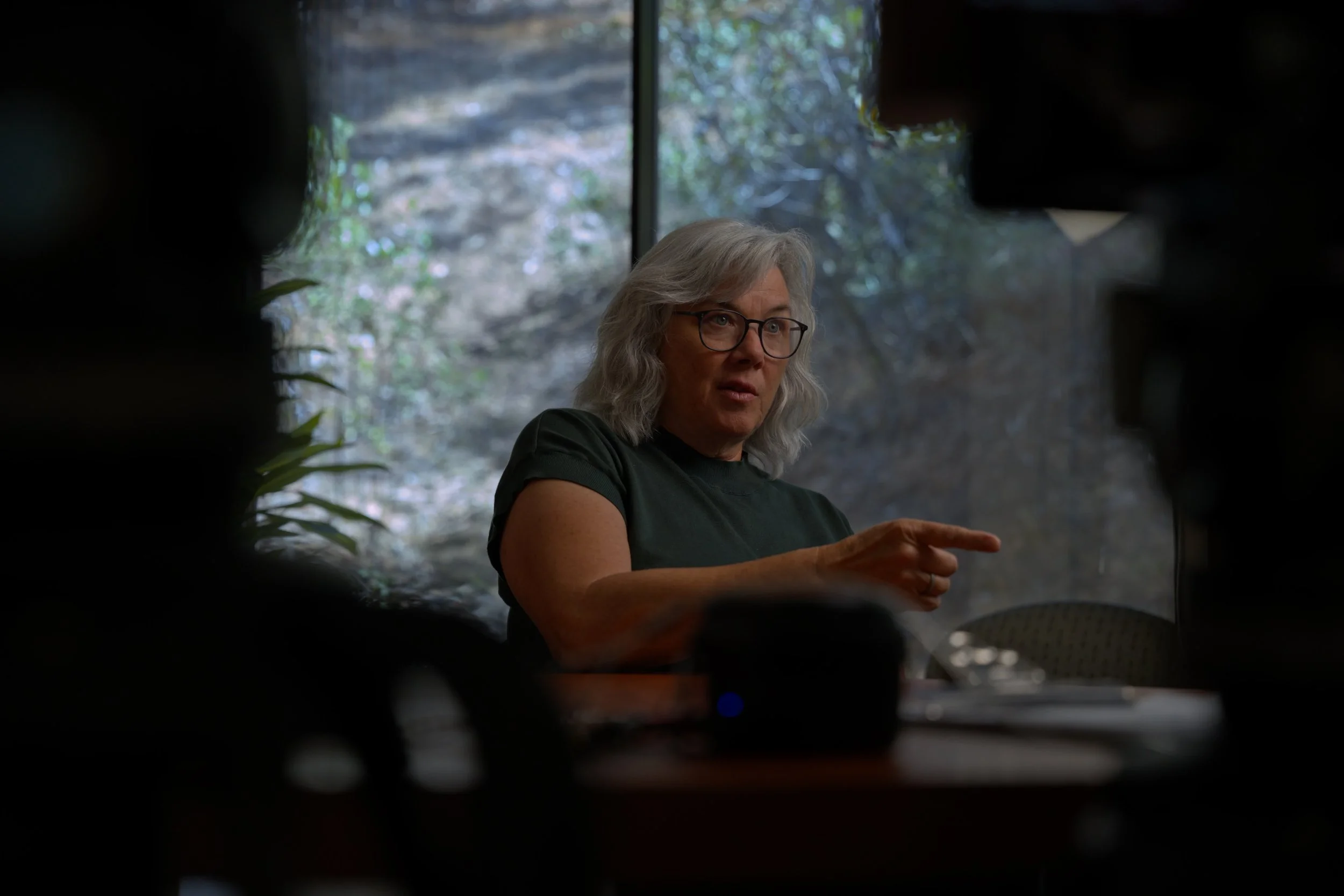
Leadership or key staff speaking conversationally, lightly guided rather than fully scripted
High-quality b-roll of the actual work, environments, and team in action
Minimal corporate polish, because authenticity is the thing building trust
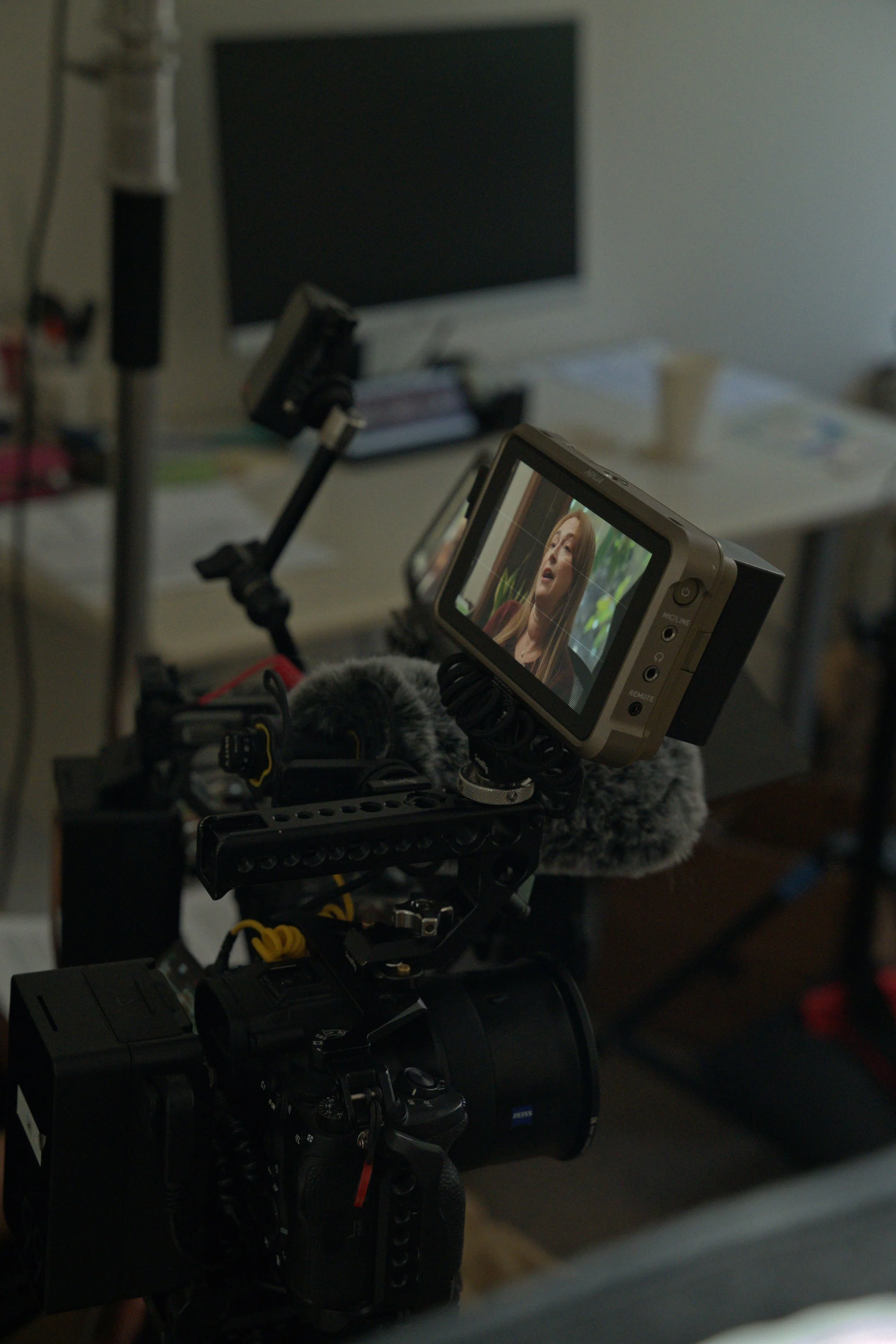
A documentary approach favors interviews over scripted voiceover: you prepare a question list, shoot the answers, and assemble the narrative afterward by finding themes in the transcript. The script, in effect, gets written in the edit.
A lightly guided interview style tends to feel more natural and builds trust more effectively than a fully scripted, single-narrator approach. Animated explainers can work well when the work is complex or hard to film, but live-action footage of the organization in operation almost always creates a stronger connection for an About Us piece. Many of the most effective mission overview videos use a founder's or executive director's voice as the narrative through-line, supported by visuals that demonstrate the work.
How Many Shoot Days Does This Actually Take?
The interview day
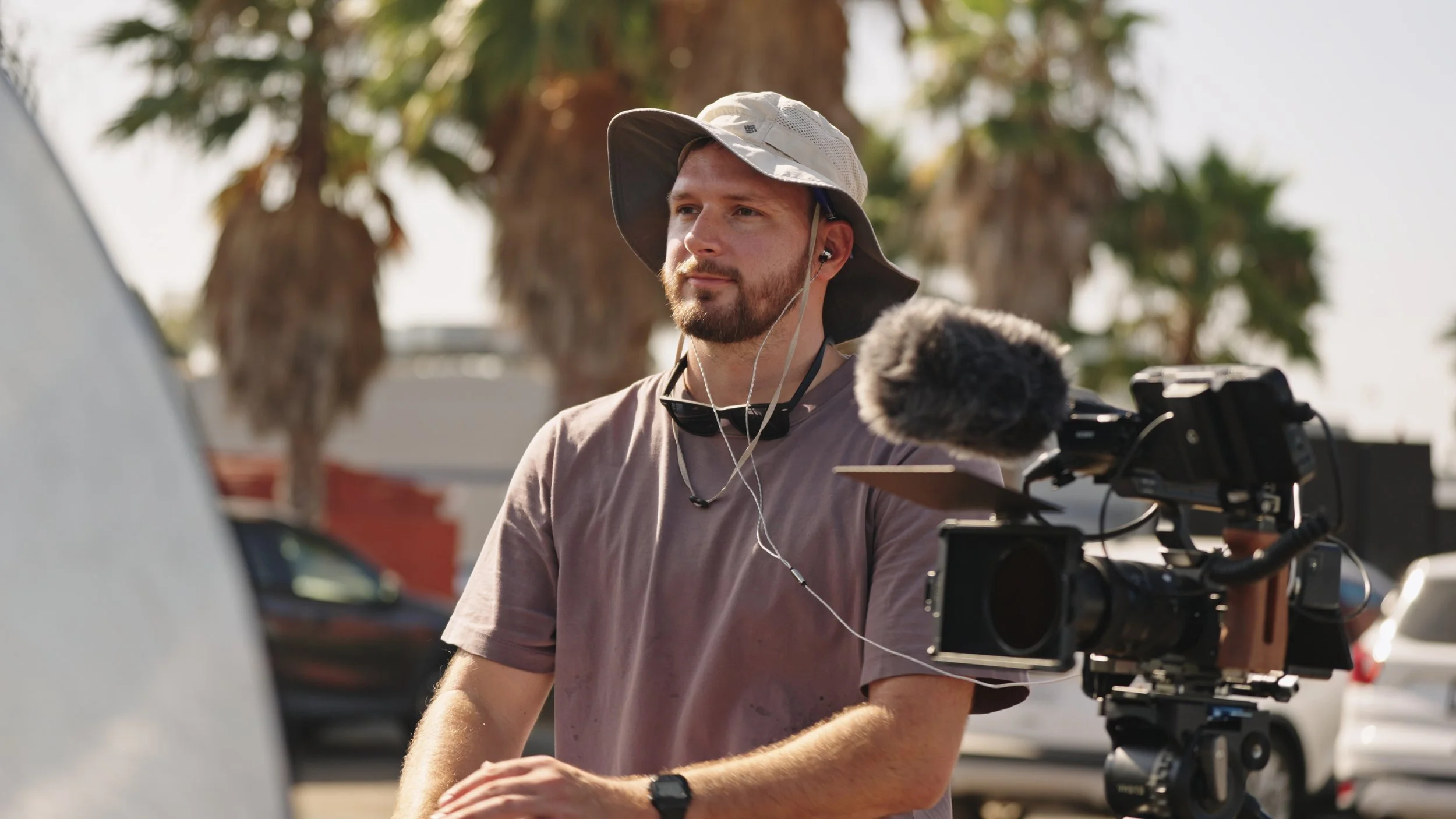
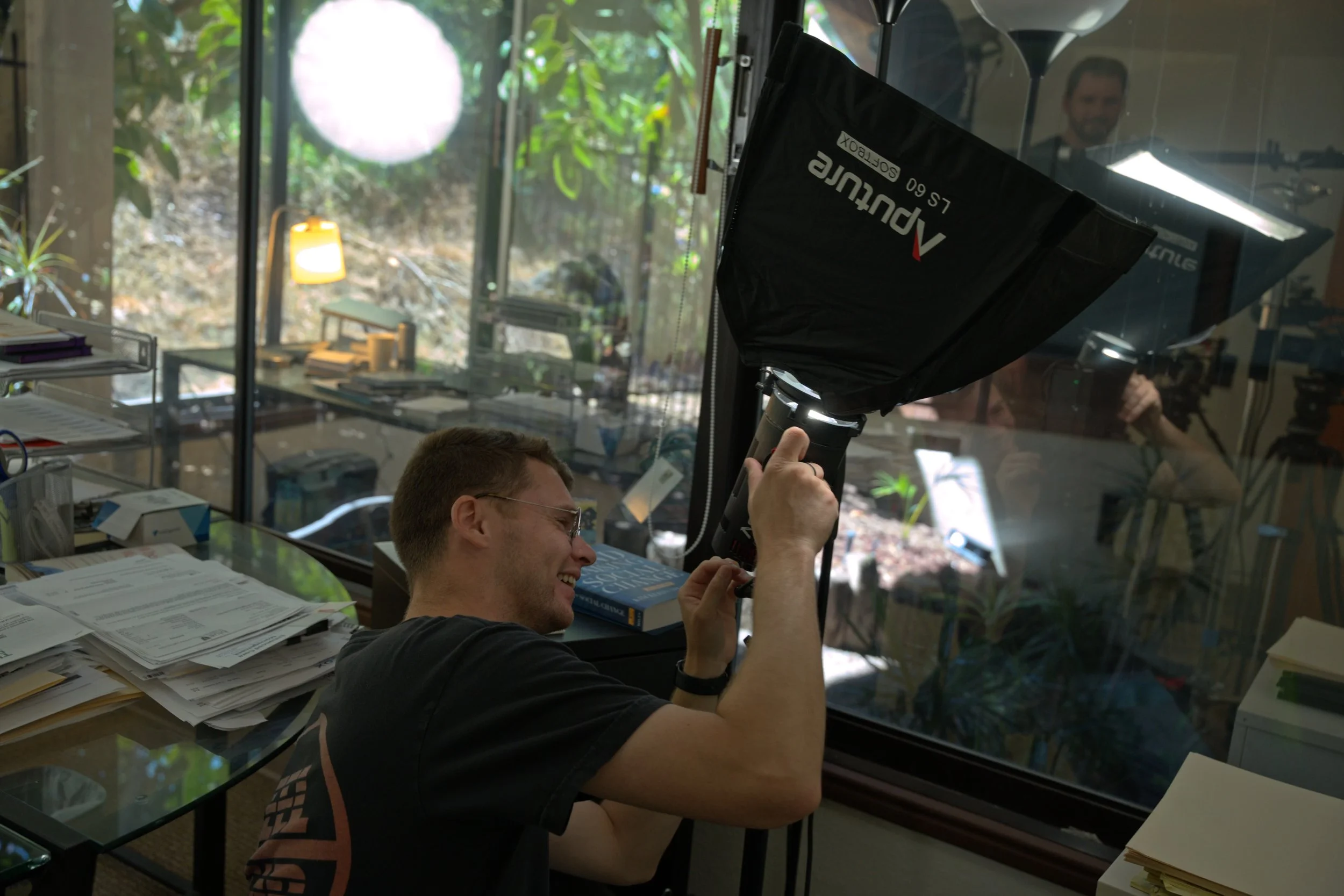
Plan on one full day for interviews. That typically covers three to five people (executive director, a program lead, a staff member, and one or two participants) plus the b-roll you can capture in and around the office: the team working, meetings, the space itself, hands on keyboards, whiteboards, the front door. Interviews and office b-roll pair naturally because you're already in one location with lighting set. Office b-roll shows the administration behind the work.
Program and on-site b-roll days
This is where the video comes to life. Several two-hour on-site shoots, spread across different programs and locations, add more to the final film than almost anything else in the budget. Two hours is enough to cover a single program session, class, distribution, build day, clinic, or outing without disrupting it. Short blocks are also far easier for program staff and participants to accommodate than a full-day crew presence.
Budget these by program count:
| Scope | Interview Days | B-Roll Blocks | Realistic Total |
|---|---|---|---|
| Lean | 1 | 1–2 sessions (~2 hrs each) | 1.5–2 days |
| Standard | 1 | 3–4 sessions | 2.5–3 days |
| Comprehensive | 1–2 | 5–8 sessions | 4–5 days |
A lean package can produce a solid hero film. A standard package is what makes the multi-cut library realistic, because each program session yields its own social cutdown. A comprehensive package is appropriate for organizations with many distinct programs, multiple sites, or seasonal work that can only be filmed at certain times of year.
Plan the Shoot for the Full Library
Tell the production team before filming:
"We're building the raw material for an entire video library from this shoot."
That means intentionally capturing multiple interviews, both longer answers and short quotable ones, plenty of b-roll, different activities and programs, establishing shots, natural sound, emotional moments, statistics and graphics, both staff and participant perspectives, and horizontal plus vertical-friendly compositions where appropriate.
With that in hand, an editor can build different versions, each with its own pacing and structure. One production yields multiple storytelling assets and a much better return on the investment.
Key Best Practices
Let people speak for themselves. Staff and beneficiaries describing their own experience, in their own words, almost always land better than a narrator summarizing it for them.
Answer the core questions early. What problem exists? What do we do about it? Why does our approach matter? What should the viewer do next?
Use specific language. "We run a 12-week job training program out of two sites" beats "we empower communities" every time.
Take sound seriously. Clean audio and a deliberate music choice do a lot of the emotional work than you would think.
Pick one call to action. Whether that's donate, volunteer, or learn more, a single clear ask performs better than several competing ones.
Make it evergreen. Avoid dated statistics, campaign-specific language, and anything tied to a single fiscal year, so the video keeps working for several years.
Place the finished video prominently on your website, then use it in new-supporter emails, social profiles, partner outreach, and grant materials.
Working With a Nonprofit Video Production Team in San Diego
San Diego's nonprofit sector spans everything from coastal conservation to youth development, food security, veterans services, and cross-border work in the Tijuana region. This means most local organizations have program activity worth filming in more than one place.
That's an argument for the multi-block b-roll approach rather than a single studio day. A morning at a program site in City Heights, two hours at a beach cleanup in Ocean Beach, and an afternoon at a distribution in Chula Vista will produce a more convincing film than any amount of office footage, and each block is short enough to schedule around a working program calendar.
When scoping a project with a local production team, come prepared with: how many distinct programs you want represented, which sites are realistically filmable and when, who will speak on camera, whether any participants require consent considerations or identity protection, and what the video's first three placements will be. Those five answers determine the shoot day count and the edit deliverables more than anything else.
Final Thoughts
A well-structured mission overview video introduces the organization clearly and purposefully, giving viewers a strong overall impression in the span of a few minutes. A high-quality flagship video like this can be used for years to come, and the footage acquired along the way can be repurposed into a variety of other videos: social cutdowns, grant submissions, gala openers, and more. If your team needs a video like this, reach out to us to talk through your story, your programs, and what a realistic shoot would look like for your organization.